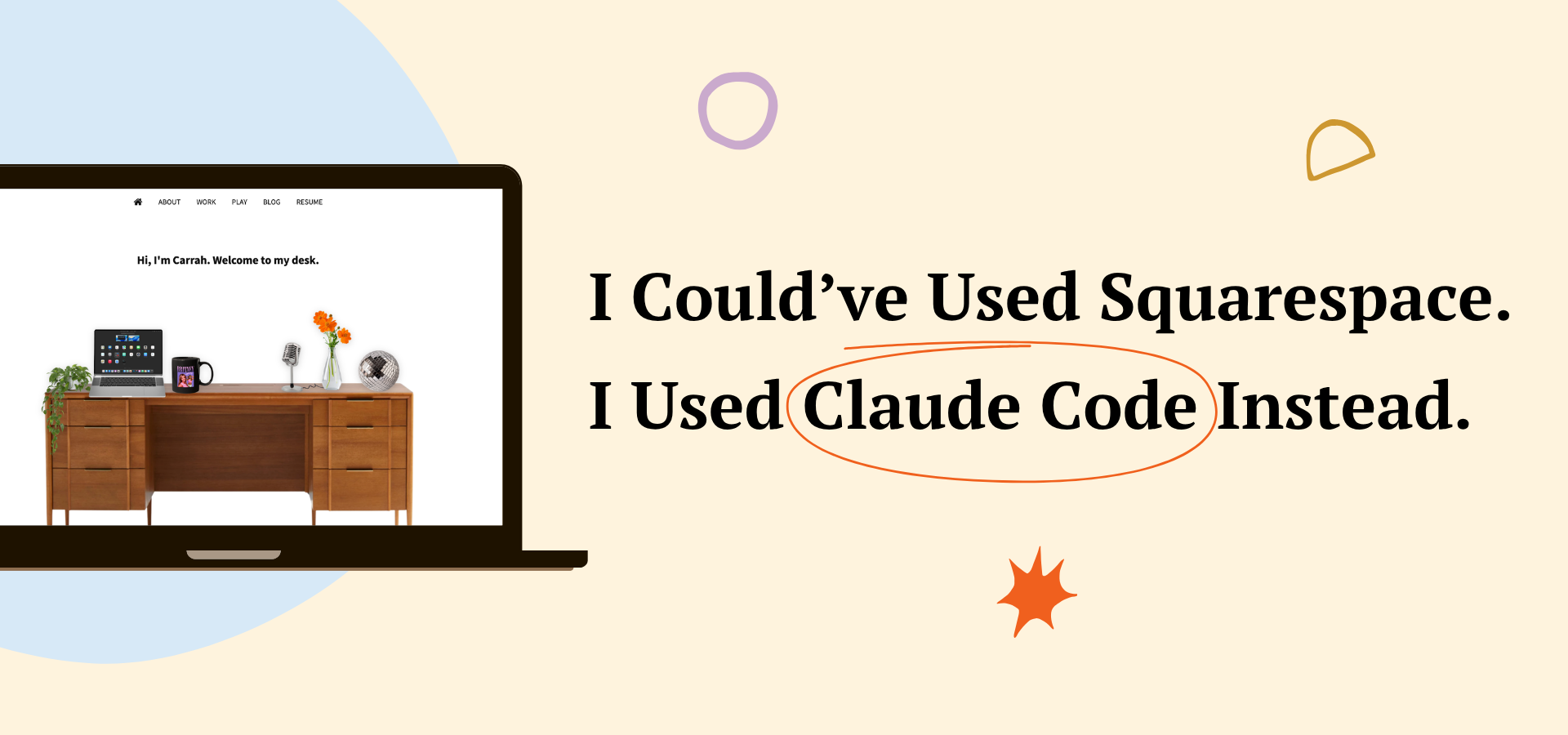
Squarespace and Canva are great tools, especially for a communications professional like myself. They both take care of the technical work that feels intimidating and offer more template options than you’d ever need. Normally, I’d welcome that route for a more technical project. But having a personal website wasn’t really the point. I built it because I thought it would be good practice before building an app I’ve been conceptualizing over the last few months. So instead of picking a template, I decided to build carrahlingo.com from scratch with Claude Code as my collaborator.
I approached Claude Code the way I’d approach a software developer or graphic designer at my company. I organized my thoughts, came in with a vision, and collaborated from there.
A few benefits of creating my personal website in no particular order:
Being productive while job searching. I’m between jobs, and instead of letting that time slip by, I wanted to channel it into something productive.
Feeling fulfilled with a creative project. Unemployment can mess with your sense of purpose. I needed something to build, shape and be proud of.
Getting hands-on experience with Claude Code. I’ll admit I’ve been skeptical about AI, mostly around its environmental impact. But it’s here, it’s embedded in the corporate world, and I prioritize using it for high impact projects.
What Is Claude Code?
Claude Code is an AI assistant made by Anthropic that lives right in your computer’s terminal (that black screen with the blinking cursor you’ve probably seen developers use.) Luckily for me, you don’t need to be a developer to use it. You talk to it in plain English, describe what you want, and it writes the code for you. It can build pages, fix bugs, tweak designs, and iterate on ideas through conversation.
Step 1: Start with a Vision
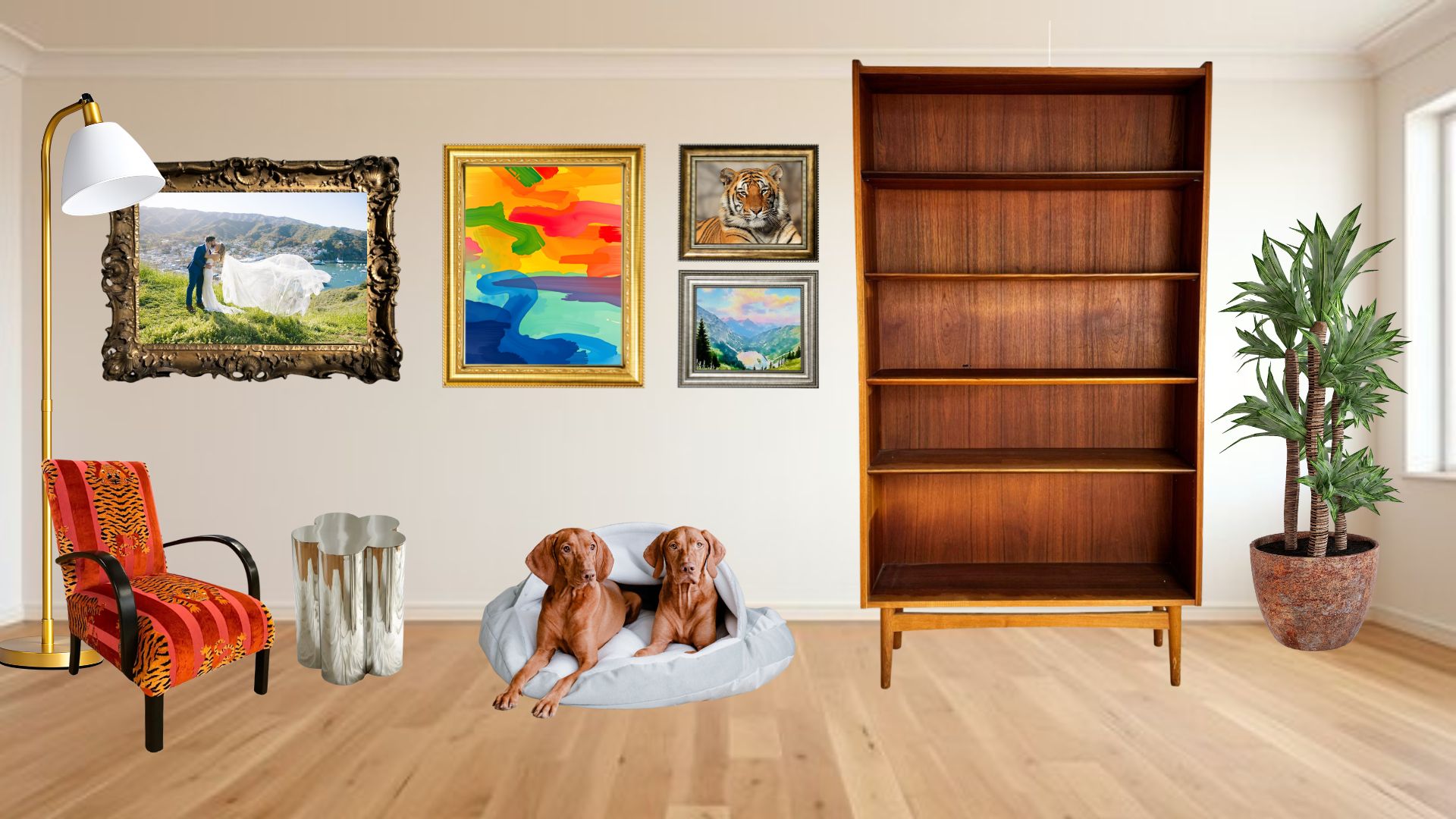
The vision for my site came to me pretty quickly. I knew I wanted to incorporate an interior design element and display the dichotomy of work and play projects. I wanted my website to feel like you were stepping into a curated space rather than scrolling through a standard portfolio. I played around with concepts in Canva first, sketching out what the vibe might look like.
I kept coming back to this idea of a personal workspace where visitors could see what I’m working on, what I’m into, and who I am. From there, the shelf concept took shape: what if my Work and Play pages were organized like actual shelves, with projects and hobbies displayed the way you’d arrange things in your office or living room?
I had the vision. I just had no idea how easily Claude would be able to execute it.
Step 2: Get Set Up
Before I could start building anything, I needed to acquire the appropriate tools. This meant creating a GitHub account (where the site’s code would live), downloading VS Code (the code editor), and installing Ghostty (my terminal of choice). I also set up a Claude account and got Claude Code running in my terminal. If you’re coming from a world of Squarespace, Canva and Google Docs, this step is where it starts to feel real. You’re actually entering the “building things with code” world and it feels like you’re hacking into the mainframe (lol).
From there, Claude helped me get started with Jekyll, a tool that turns simple text files into a full website, and GitHub Pages, which hosts it for free at your own custom domain.
Within a couple of conversations, we had the bones of a site: a homepage, a navigation bar, and a place for blog posts. The first time I saw my site live at carrahlingo.com I felt giddy. There’s something powerful about seeing your name in the URL bar and knowing you built what’s behind it.
Step 3: Design It Your Way
This is where the collaboration really came alive. I would describe what I was picturing, sometimes in detailed text, sometimes with a screenshot, and Claude would build it. Then I’d look at the result, say what I liked, what felt off, and we’d keep going.
The homepage desk scene came together over several rounds of back and forth. The shelves on my Work and Play pages went through iterations until the spacing and layout felt right. A few must-haves during this process are patience, thoughtful prompting, and focusing on one chunk at a time. Claude can (and will) get overwhelmed if you are disorganized and try to do too much at once.
Step 4: Decide What’s Important & Add Content
Once the structure was in place, adding content took some time. Blog posts, my resume, podcast links, magazine features. Each element needs to be well thought out and clean.
Some of my favorite additions came later in the process. I added slideshows to feature some magazine features I’d written and to display the Tigers for Tigers Student Resource Guide I helped create. I reorganized the shelf layouts as my priorities shifted. I added a plant, a lava lamp you can turn on with a click, and other little details to make the space feel lived in.
Step 5: Launch It
Launching was exciting. Setting up my custom domain took one conversation with Claude and a quick update to my domain settings, and just like that, carrahlingo.com was live. I immediately started sharing the link with a bunch of friends. I was genuinely proud of what I’d built and wanted people to see it.
Of course, launching didn’t mean I was done. I kept editing and fine-tuning for the next couple of weeks. I was adjusting layouts, swapping out content, and tweaking little details that only I would notice. That’s one of the best parts about building your own site: it’s never really “finished.”
Would I Recommend It?
If you need a professional site up and running quickly and you’re not pressed about it being unique, Squarespace and friends will serve you well. No shame in that.
But if you’re someone who cares about the details, if you have a vision for what your space on the internet should look and feel like, this approach is incredibly rewarding. It takes more time than picking a template (it took me about two full weeks from start to finish for the first iteration.) It requires patience and thoughtfulness. But the end result is something that’s uniquely yours, and the process teaches you things you’ll carry forward. Like the fact that you don’t need to be a developer to build something custom, that AI is most powerful when you bring the creative direction, and that understanding how your site works, even at a high level, is empowering.
I started this project not knowing what a Jekyll file was. I ended it with a live website, a growing blog, and the confidence to keep building. I’m excited to get started on my app next, so stay tuned for updates here as I dive into my biggest endeavor yet.